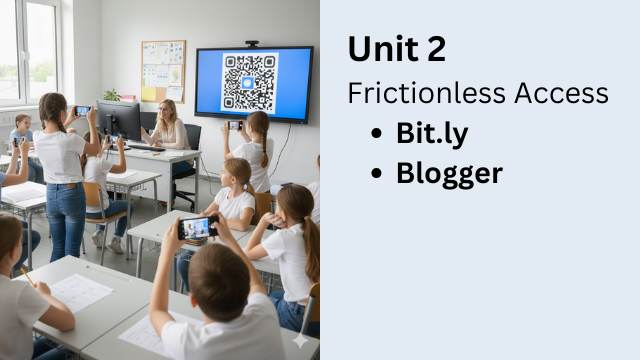
Unit 2: Frictionless Access
Sharing Lessons with Bitly and Blogger
One of the biggest challenges in teaching is not creating activities.
It is getting students to start them.
Every extra step before an activity begins creates friction. The more friction students face, the less likely they are to follow through.
What Creates Friction?
- Passwords
- Account creation
- Long navigation paths
- Paywalls
- Long or confusing links
When access is difficult, students don’t quit on purpose — they simply never begin.
The Two-Click Rule
When the iPhone was designed, Steve Jobs gave a simple rule:
The main function must be reachable in two clicks — preferably one.
The same idea applies to education. If students cannot reach an activity quickly, motivation drops before learning even starts.
This course calls that frictionless access.
How Bitly Reduces Friction
Bitly solves one very common problem: bad links.
Long, auto-generated URLs are hard to type, hard to remember, and easy to get wrong. Bitly shortens links and lets teachers create simple, memorable names.
This is especially useful when:
- Students are using phones
- There is no LMS
- You don’t have student emails
- You are sharing links in class
One short link can give instant access to quizzes, videos, or study materials.
How Blogger Reduces Friction
Blogger solves a different problem: hosting content.
With Blogger, teachers can create simple webpages where students can access:
- Text
- Videos
- Links
- Embedded activities
There is no student login, no account creation, and no paywall. Students click and start.
Bitly + Blogger Together
- Blogger hosts the content
- Bitly delivers fast, easy access
Create once. Share instantly. Remove barriers.
What You’ll Learn in Unit 2
- Identify friction in your lessons
- Apply the two-click rule to activities
- Use Bitly to share content quickly
- Use Blogger as a simple lesson hub
The easier it is to start, the more likely learning will happen.

Digital Content Creation for Educators
Part 1: Think Outside the Book
February 16th to March 7th, 2026
Participants can learn the the following:
- How to teach any language!
- How to make lessons engaging!
- How to create cool digital products!